Freelance work
The work’s done. Send the link.
Share a payment link for an agreed amount. Your client reviews it and pays from their wallet.
 InfinitePay
Swap, send, request, and schedule payments — from one non-custodial wallet. Network fees are paid in USDC. Review the estimate in your wallet before confirming.
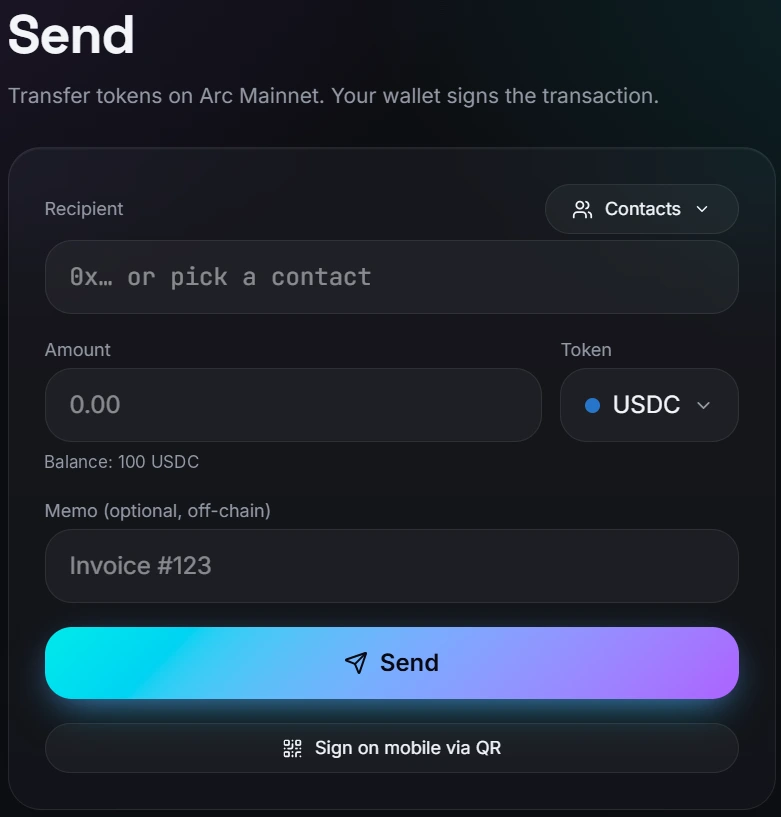
Send from your wallet
How it works
Your wallet is your account. Connect an Arc-compatible wallet; your keys stay with you.
Send, swap, or request a payment. Choose the asset, check the amount and review the details.
Review the recipient and network fee, then sign. Nothing moves without your approval.
A wallet address. A payment. Done.
Send directly to another wallet on Arc. To receive, share your address or a QR payment request with the asset and amount filled in.
Send a paymentCheck the address and network before you confirm.
Different assets. Same wallet.
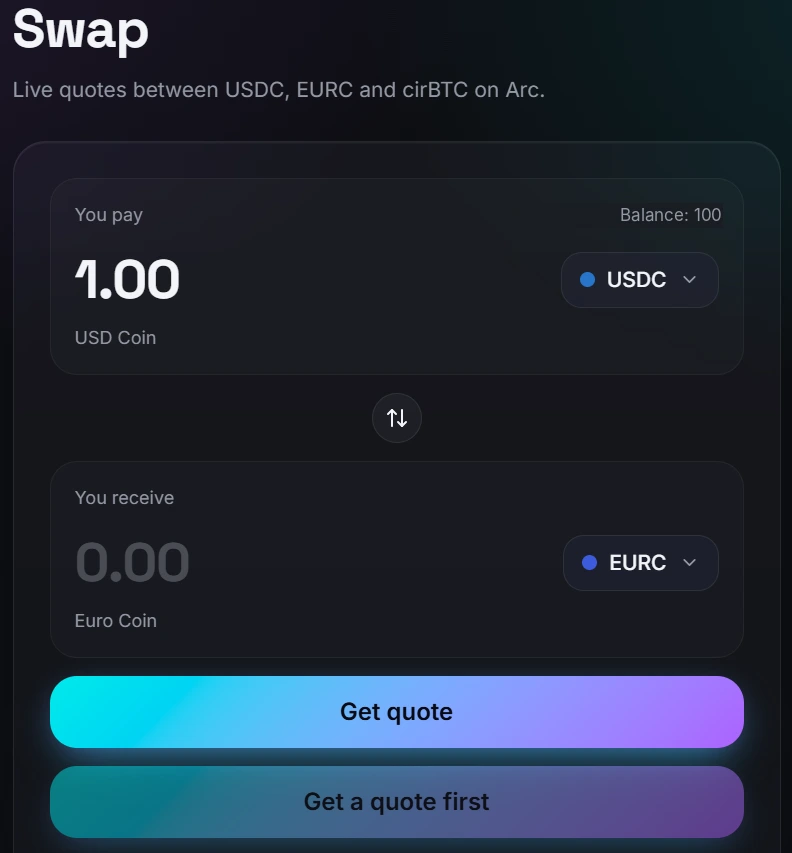
Compare USDC, EURC and cirBTC reference quotes without moving your funds. Supported swaps are signed through Circle App Kit from your own wallet.
Explore SwapExecution is in a small pilot: up to 0.01 USDC or EURC input. Reference quotes are not guaranteed execution prices.
Get paid with a link.
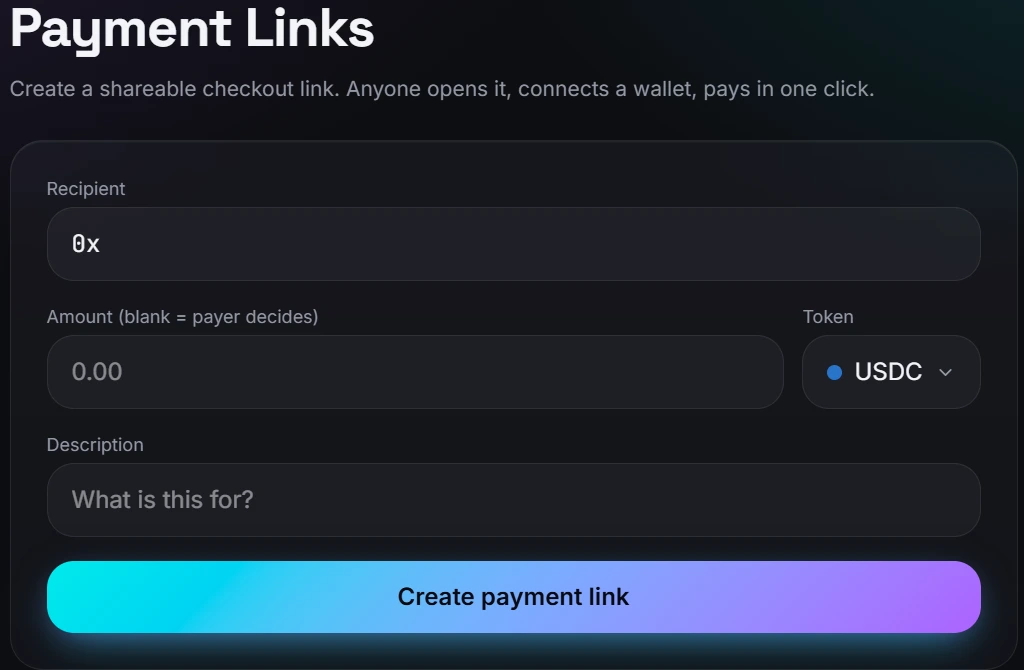
Choose an asset and amount, then share your payment request. The payer opens the link, checks the details and confirms from their own wallet.
Create a payment linkLinks are currently temporary and may expire after a service restart.
Remember the date. Keep the control.
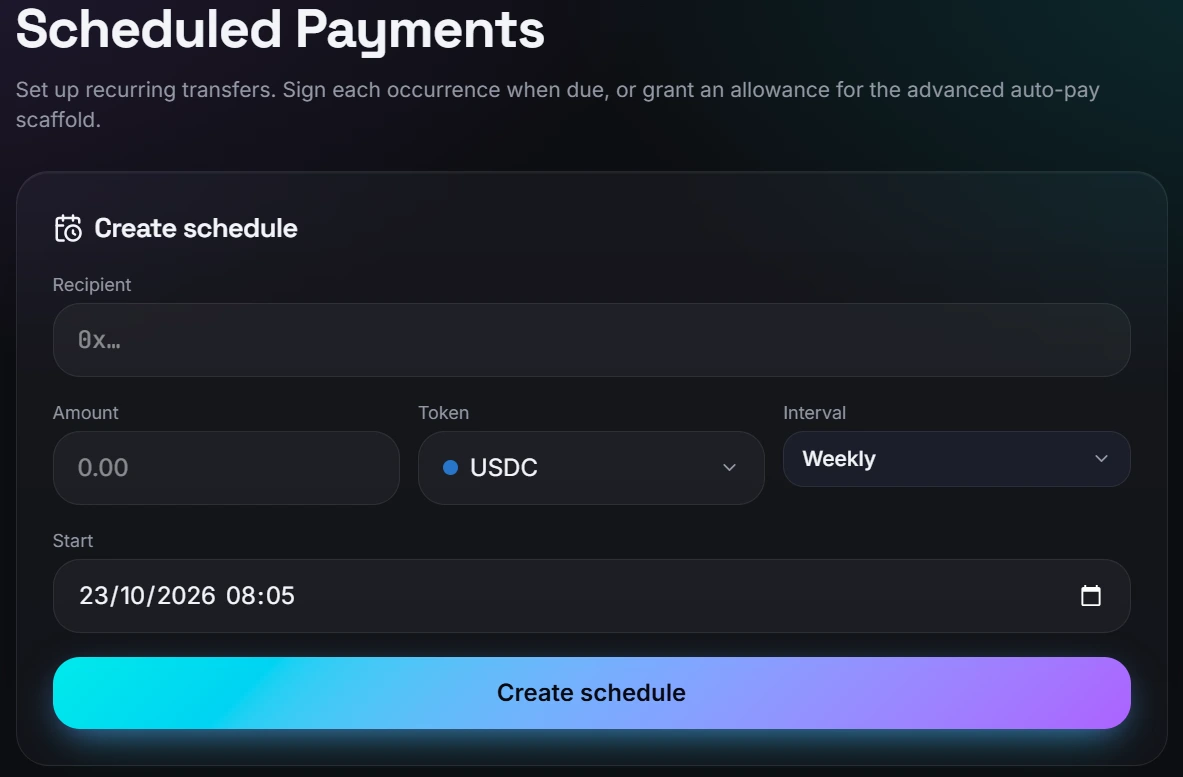
Set a recipient, amount and interval for rent or regular bills. Approve each recurring payment when it’s due — automatic payments aren’t live yet.
Plan a paymentEvery due payment still needs your approval in your wallet.
Your keys, your funds
InfinitePay never holds your money or keys. Every action is signed by your own wallet. You keep control — including the responsibility to check what you sign.
| Who controls it? | Custodial apps | InfinitePay |
|---|---|---|
| Private keys | The provider | You |
| Funds | Held by the provider | In your wallet |
| Payment approval | Provider processes it | You sign it |
Supported assets
Dollar, euro and bitcoin exposure — each is different. Always check the asset before sending.
A dollar-denominated stablecoin used for payments and network fees on Arc.
A euro-denominated stablecoin for sending and receiving euro value.
Circle’s bitcoin-backed token; its value follows bitcoin, not the dollar.
Built on Arc
Arc is a stablecoin-focused network, with network fees paid in USDC. Review the fee estimate in your own wallet before you confirm. InfinitePay runs on Arc Mainnet, where confirmed transactions are final.
Read the Arc documentationWho it’s for
Freelance work
Share a payment link for an agreed amount. Your client reviews it and pays from their wallet.
Family abroad
Send to a family member’s Arc wallet. Agree on the asset first; access and cash-out options vary by location.
Rent & regular bills
Set a recurring schedule, then approve each payment when it’s due. No unattended deductions.
FAQ
Your next move
Review the details. Sign only when you’re ready.